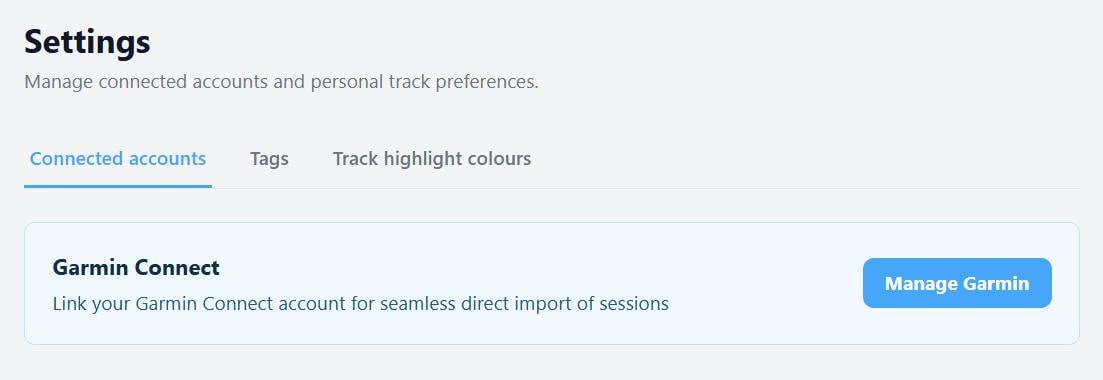
You can now link your ka72 account to a Garmin Connect account.
This will allow Garmin Connect to post your files direct to ka72 as soon as your session hits the cloud.
The linking is available to all registered users on the site (free and pro.) To set up your account link go to
ka72.com/me/settingsOnce it is set up, you can also use this page to limit the types of tracks that get posted to ka72.
How it works:
Sail with your watch as normal. When you are finished and save your session on the watch, after a while your device will typically pop up a message saying something like "Your activity is now ready to view"
Soon after this, open up ka72.com and you will see a banner at the top of the page advising you that your track has landed.
Open the link, check the track type and visibility, and hit post.
No more downloading/uploading. No more messing with zip files.
The integration is a work in progress. Please let me know if you hit any snags, or have any questions or suggestions for improvements.